RPX Clothing Tool — Studio (Lifetime)
$120 one-time · 2 PCs · Windows 10 & 11 · Never expires
What is RPX Clothing Tool?
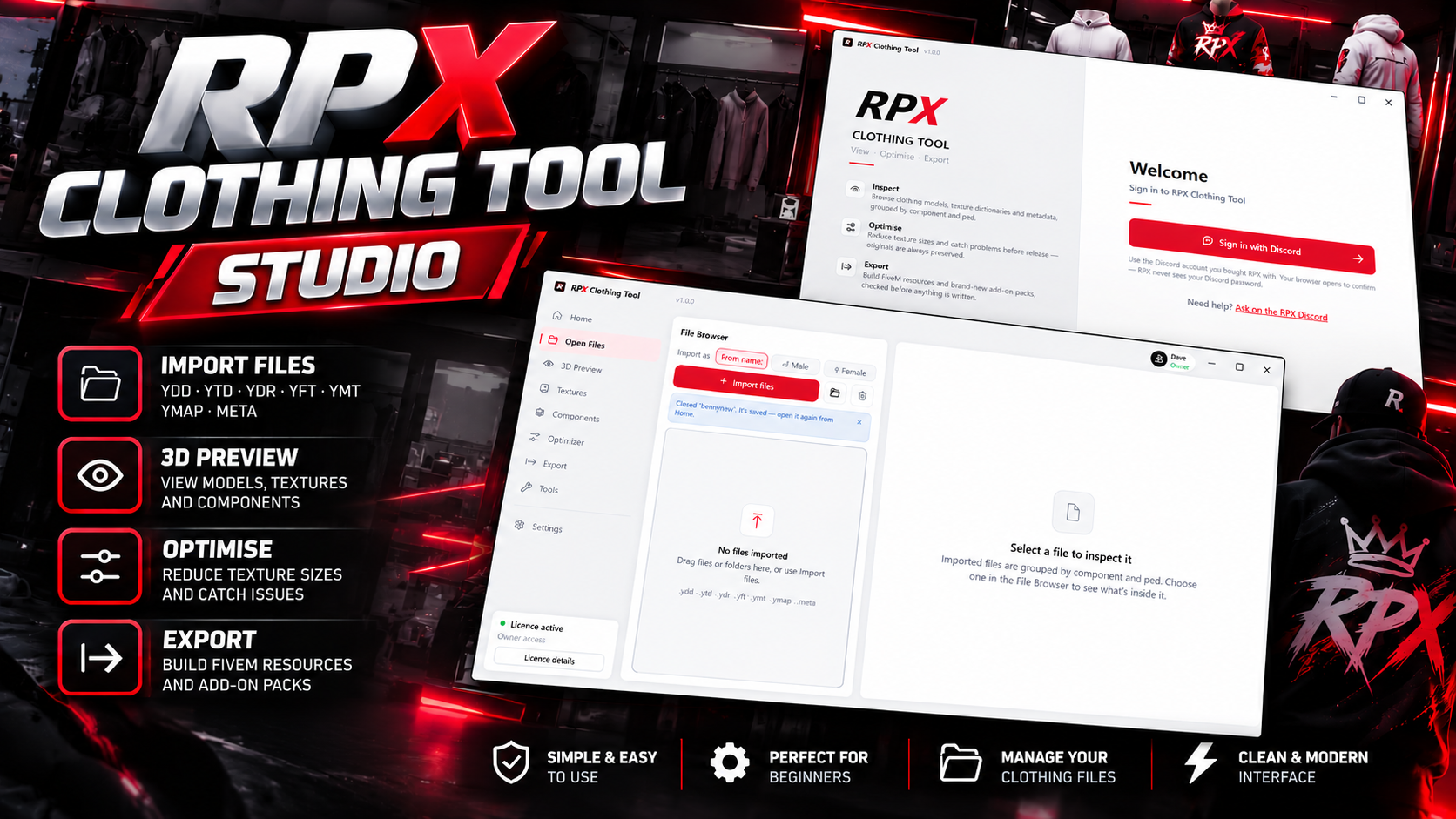
RPX Clothing Tool is a Windows app for building GTA V clothing for FiveM servers. You import your .ydd, .ytd and .ymt files and check every item on the real freemode ped in 3D. You fix what’s wrong, then export a resource that’s ready for your server. RPX reads GTA V’s formats itself, so you don’t need to install anything else.
What you get: everything in Pro, for good
3D preview on the freemode ped: try tops, legs, shoes and accessories together on male or female. Flip through textures and turn the camera in studio, day or night light. Body parts can be swapped to fit any top, and you can save screenshots for your store.
Sorted the moment you import: hundreds of files are grouped by slot and ped, with every texture linked to its model.
Problems in plain English: missing textures, broken files and duplicates are flagged before your players find them.
Texture optimizer: oversized .ytd textures are shrunk using the game’s own mip levels. Each one is checked pixel-for-pixel, so your pack streams faster.
New add-on packs in one click: files are renamed for you and the .ymt and shop .meta are created and checked. Nothing in the base game is replaced.
FiveM-ready export: you get a checked resource folder with its fxmanifest.lua and an export report.
Your originals are safe: optimised copies and exports always go into new folders. RPX never changes your original files.
Included: Merge packs
Got ten clothing packs streaming ten sets of metadata? Pick their folders and RPX combines them into one add-on pack, with one .ymt for male, one for female and one shop .meta.
Every item keeps its own settings from its old .ymt.
Exact duplicates across packs are dropped.
You get a list of every old number and its new number, ready for your shops.
The original packs are never changed.
Studio plan
Pay once. No monthly payments and it never expires.
All future updates included.
Use it on 2 PCs.
Unlimited exports of any size.
Works offline for up to 3 days between check-ins.
How to get it after paying
Link your Discord account at checkout. This is how RPX knows you’ve paid.
Go to rpxtools.com, open the Client area, sign in with that Discord account and download the installer.
Open RPX and sign in with Discord, and it unlocks straight away.
Need help? Join our Discord.
FREQUENTLY ASKED QUESTIONS
TOP CUSTOMER
RECENT PAYMENTS